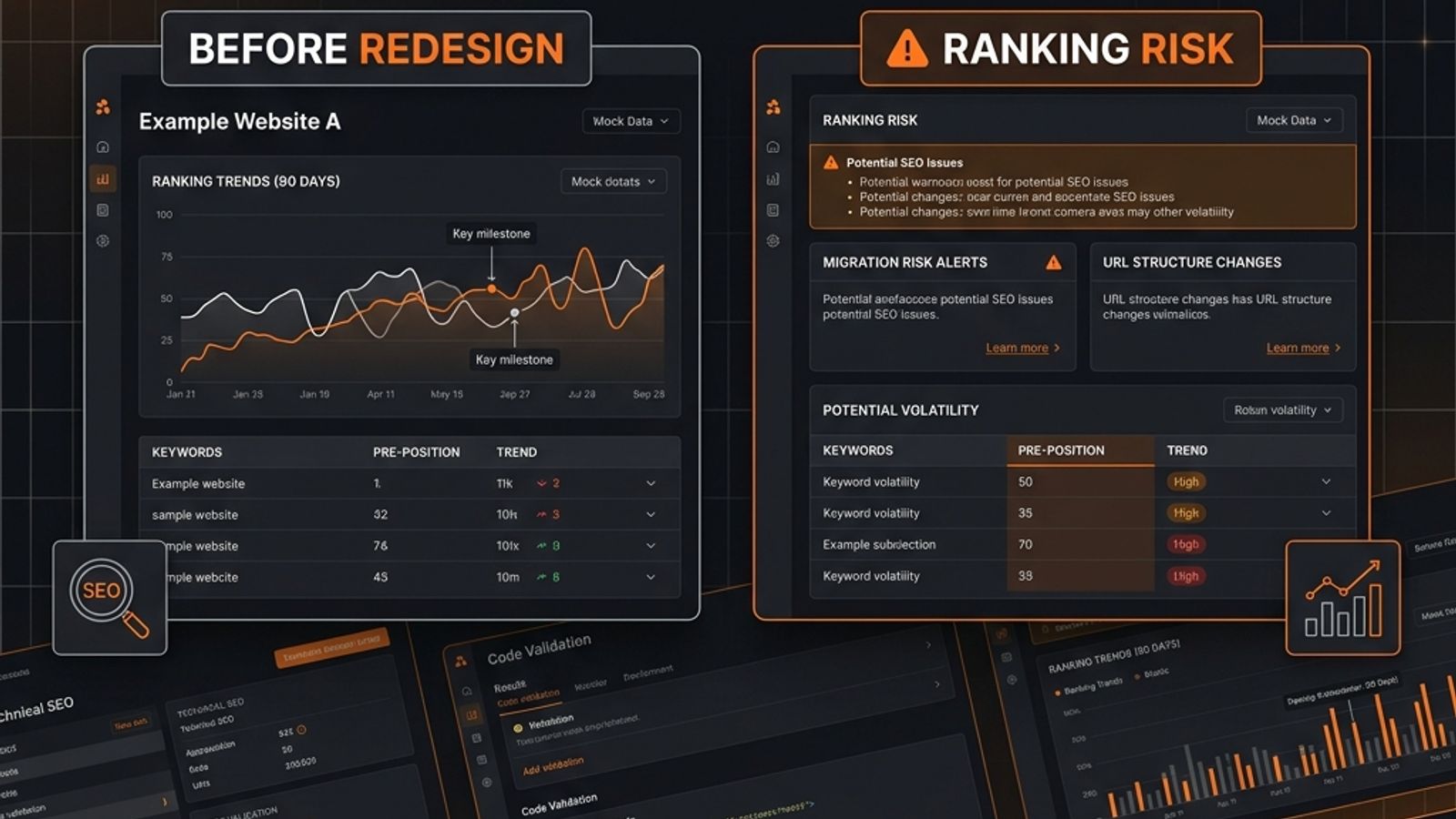
A website redesign is a controlled demolition that risks organic traffic. To prevent SEO loss, compare website rankings before redesign by creating a baseline from Google Search Console. Export Page, Query, and Page-Query pair reports to identify high-value URLs based on impressions and clicks. Analyze page-level data, not just sitewide averages, to find what truly drives traffic. Segment branded vs. non-branded queries to understand search relevance. Use this data to build a URL migration map that defines the outcome for every important URL (Keep, Redirect, Merge, Retire), ensuring the new site preserves the search intent of the old one.
# How to Compare Website Rankings Before a Redesign Without Wrecking SEO
A redesign is not an SEO strategy. It is a controlled demolition.
If you do not compare website rankings before redesign, you are guessing which walls are load-bearing. That is how SaaS teams ship prettier pages, cleaner navigation, and a very expensive organic visibility problem.
The risk is rarely abstract. Common causes include changed URLs, rewritten page intent, sloppy page consolidation, weaker internal linking, or redirects that send valuable pages to vague replacements.
The fix is not to “check SEO after launch.” It is to build a ranking baseline before anyone touches production.
This guide focuses on that one job: comparing rankings using Google Search Console exports, page-level analysis, and URL mapping to prioritize migration risk. No generic fluff. Just the work that keeps search demand alive.
Start With a Pre-Redesign Ranking Baseline
Before a redesign, answer one question:
Which existing URLs earn search visibility, for which queries, and what intent must the new site preserve?
Your baseline is a manifest of what you cannot afford to break. It must include:
- Current ranking URLs
- Queries each URL appears for
- Clicks, impressions, CTR, and average position
- Branded vs. non-branded query labels
- URL status: keep, merge, redirect, or retire
- Target replacement URL
- Intent notes and a priority score
Google Search Console is the cleanest source for this data. Its Performance report shows exactly how your site performs in Google Search.
Export the Right Google Search Console Data
Do this before design sign-off, before copy rewrites, and before launch. If your team waits until staging is finished, the SEO baseline becomes a cleanup argument instead of a planning input. That is backwards.
Export these three views from the Performance report.
1. Pages Report
Go to Performance → Search results → Pages.
Export the URL, clicks, impressions, CTR, and average position. Use a meaningful time window; the last 90 days is a practical baseline for most SaaS sites. If your market is seasonal, compare against the same period from the prior year. Do not compare one strange week against a normal one. That is spreadsheet cosplay.
2. Queries Report
Go to Performance → Search results → Queries.
Export the query, clicks, impressions, CTR, and average position. This shows search demand, but not which page owns it.
3. Query-Page Pairs
This is the critical view. Filter by a specific page, then export the queries for that page. You need rows that connect demand to a URL.
| Page | Query | Clicks | Impressions | CTR | Avg. position | Intent |
|---|---|---|---|---|---|---|
| `/features/reporting` | “saas reporting dashboard” | 42 | 1,900 | 2.2% | 8.7 | Commercial |
| `/blog/revenue-leakage` | “revenue leakage examples” | 18 | 1,100 | 1.6% | 11.4 | Informational |
This is where redesign risk becomes visible. If a page ranks for “saas reporting dashboard,” the new version cannot become a brand poem called “Insights that scale with your team.” The query has intent. Respect it.
Site-Level vs. Page-Level Rankings: Why Averages Lie
Most teams make their first ranking mistake by looking only at site-level numbers. They see total clicks and impressions and assume they understand performance. They do not.
A sitewide average can look stable while your most valuable pages are bleeding. Your homepage might gain branded impressions from a campaign while a key comparison page loses its non-branded rankings after being redirected to a generic product page. The executive dashboard says “organic is only down 6%,” but the pipeline page is dead.
Site-level reporting is useful for a high-level view, but it is too blunt for migration diagnosis.
Use Site-Level Data for the Executive View
Track these metrics to spot broad damage:
- Total clicks and impressions
- Average CTR and position
- Branded vs. non-branded clicks
- Top directories or templates affected
Use Page-Level Data to Find What Broke
This is where the real work happens. Track:
- Old URL vs. new URL performance
- Queries lost and gained
- Changes in clicks, impressions, average position, and CTR
- Redirect status and intent match
A redesign rarely hurts SEO in the abstract. Specific URLs lose specific queries because a critical element changed. Find the URL, find the query, and find the intent mismatch.
Identify the URLs That Must Not Lose Intent
Open your Pages export. Sort by impressions, then by clicks, and flag pages by business value. Your highest-risk URLs usually fall into these buckets.
High-Impression, High-CTR Pages
These pages already work. They rank, get seen, and get clicked. Do not casually change their URL, title, H1, internal links, or core content because the new design “feels cleaner.”
High-Impression, Low-CTR Pages
These pages are both opportunities and risks. Google is showing them, but searchers are not clicking, which may point to weak title tags or mismatched intent. A redesign can fix these pages or make them worse with clever-but-useless copy.
Commercial Non-Branded Pages
These pages introduce new buyers to your company. Think “customer onboarding software” or “best customer success tools.” If these URLs lose rankings, branded traffic may still look fine. This does not mean the redesign was harmless—it means you damaged discovery while preserving navigational demand.
Segment Branded and Non-Branded Queries
Before the redesign, split your ranking data into branded and non-branded buckets. This is not optional.
Branded queries—your company name, product name—behave differently because the searcher is looking for you specifically. Non-branded queries are less forgiving. They depend on relevance, title alignment, and a clear intent match.
Track both buckets before and after launch. A drop in non-branded visibility while branded traffic holds steady points to damaged search relevance. If impressions are stable but CTR falls, your new titles and meta descriptions are the likely culprits. A total impression collapse means you should inspect indexing, redirects, and content changes immediately.
Build the URL Migration Map
A URL migration map is not an engineering afterthought. It is the spine of your redesign SEO work. Every meaningful old URL needs a defined outcome.
Keep
The URL remains unchanged. This is the safest option for a page that already ranks well.
Redirect One-to-One
The old URL points to a highly relevant new URL. For example, /features/reporting-dashboard becomes /product/reporting-dashboard. Same topic, same intent. Good.
Merge
Multiple old URLs consolidate into one stronger new URL. Only do this when the intents genuinely overlap. Redirecting three specific blog posts about customer churn to a generic /customer-success page is not a merge. It is a bonfire.
Retire
The URL is removed because it has no search, business, or link value. “The new design doesn’t have a place for it” is not a valid reason. That is an information architecture failure.
Example Migration Map
| Old URL | New URL | Status | Primary Non-Branded Query | Baseline Impressions | Must-Have Content Elements |
|---|---|---|---|---|---|
| `/blog/gsc-audit` | `/blog/google-search-console-website-audit` | Keep/remap | “google search console audit” | 15,000 | GSC export steps, query/page analysis, prioritization |
| `/features/old-reporting` | `/product/reporting` | Consolidate | “saas reporting dashboard” | 8,000 | Reporting use cases, screenshots, integrations, proof |
| `/pricing-2022` | `/pricing` | Redirect | “brand pricing” | 500 | Current pricing clarity, plan details, CTA |
The “Must-Have Content Elements” column is not decoration. It forces design, content, and engineering to preserve the reason the old page ranked. Do not map by page type; map by search intent. If the old page ranks for “SOC 2 compliance checklist,” sending it to a generic security page is lazy. The replacement needs to satisfy checklist intent, or you should expect ranking loss.
Compare Before and After Launch Using the Same Views
Once the new site is live, the comparison begins. Use the same Search Console views you exported before launch. Be disciplined with your timeline, as new data in Google's Performance report can be preliminary.
First 48 Hours: Fire Alarm Period
This is not a ranking analysis window. Check for obvious migration failures: important URLs returning errors, broken redirects, pages unintentionally noindexed, or priority pages missing from navigation. Fix these immediately.
Week 1: Validate High-Risk URLs
Compare your protection list. Are old URLs resolving correctly? Are new URLs receiving impressions? Did key non-branded impressions collapse? Do not overreact to every average position twitch. React to missing URLs, indexing problems, and obvious query loss.
Weeks 2–4: Compare Trends
Now look for patterns. Use VLOOKUP or XLOOKUP to pull post-launch GSC exports beside your baseline rows.
| URL | Query | Impressions before | Impressions after | Avg. position before | Avg. position after | Diagnosis |
|---|---|---|---|---|---|---|
| `/product/reporting` | “saas reporting dashboard” | 1,900 | 420 | 8.7 | 21.3 | Possible intent/content loss |
| `/pricing` | “brand pricing” | 3,200 | 3,400 | 1.2 | 1.1 | Stable |
| `/blog/churn-examples` | “customer churn examples” | 1,100 | 0 | 11.4 | — | Possible redirect/indexing issue |
If every page using a new template loses impressions, investigate the template before blaming “Google volatility.”
Month 2+: Judge the Migration
Now you can evaluate whether the redesign preserved, improved, or damaged search demand. Did priority URLs keep their
Common questions
Why is it important to compare website rankings before a redesign?
Comparing rankings before a redesign creates a baseline of what you cannot afford to break. It identifies which URLs earn search visibility for which queries, preventing you from accidentally destroying your most valuable organic assets and causing an expensive visibility problem.
What is the best source for pre-redesign ranking data?
Google Search Console is the cleanest source. Export the Pages report, the Queries report, and the critical Query-Page pairs view from the Performance report. This connects search demand directly to a specific URL, which is essential for risk analysis.
Should I focus on site-level or page-level rankings?
Both, but for different purposes. Site-level data is for a high-level executive view. Page-level data is where the real diagnostic work happens. A sitewide average can hide severe damage to your most valuable pages, so you must analyze individual URL performance to find what broke.
What is a URL migration map and why do I need one?
A URL migration map is the spine of your redesign SEO work. It's a plan that defines the outcome for every meaningful old URL: keep, redirect, merge, or retire. It forces you to map URLs based on search intent, not just page type, to preserve the reasons a page ranked in the first place.
Keep the diagnosis moving
Compare two websites side-by-side now
Enter two URLs to run a concurrent head-to-head roast across SEO, Core Web Vitals, copy clarity, and conversion trust with instant score deltas.