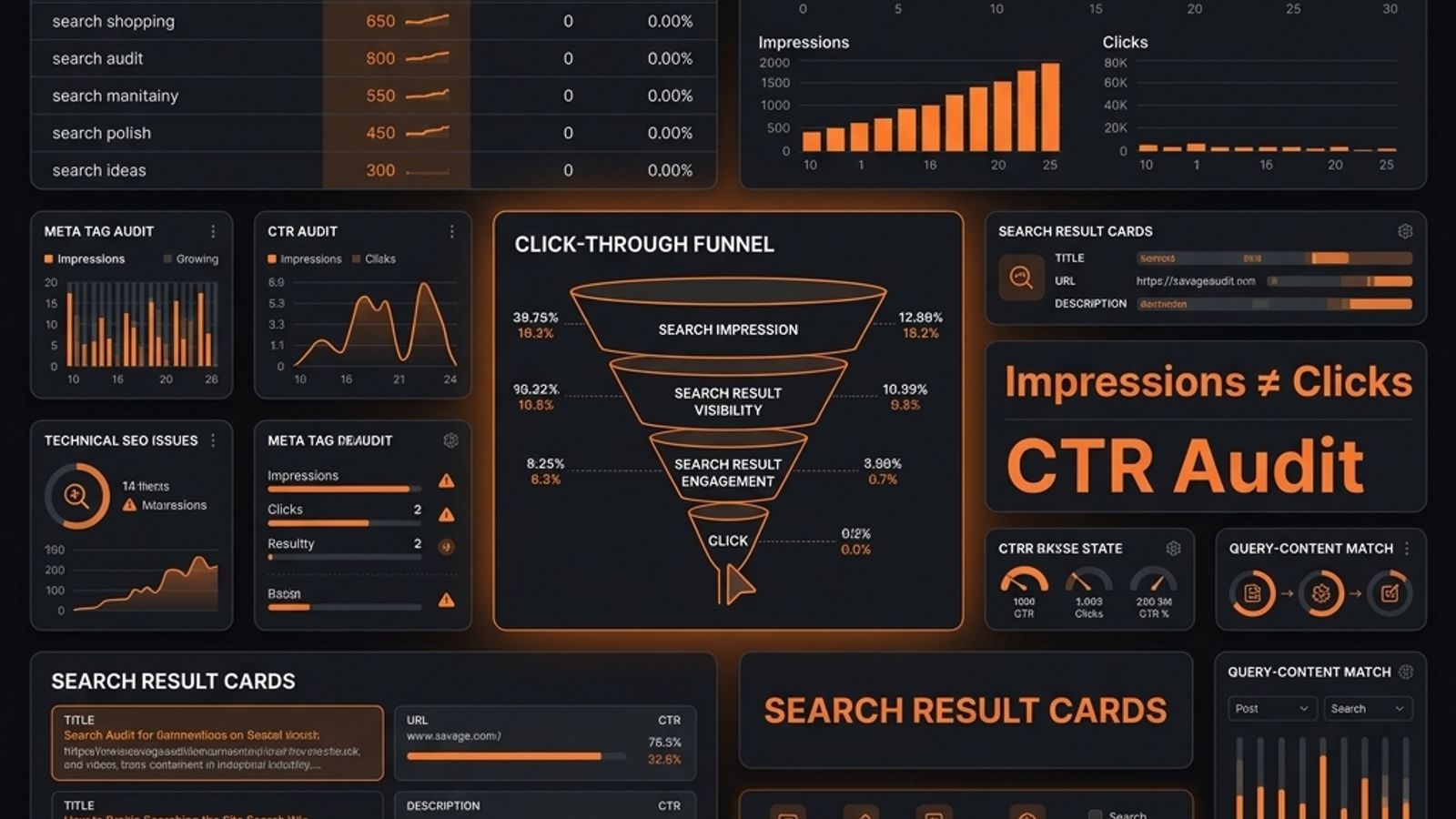
Impressions without clicks are a diagnostic signal, not brand awareness. A low click-through rate (CTR) indicates a problem with ranking, title copy, search intent mismatch, SERP features, or brand trust. Before rewriting anything, triage the issue by checking the page's average position in Google Search Console. A low position is a ranking problem; a high position with low CTR is a click-appeal problem. To fix it, analyze the specific query-page pair, inspect the live SERP, and rewrite titles and descriptions to match user intent and build trust, not just to include keywords.
# Why Your Website Gets Impressions but No Clicks
Your page is showing up. People are still not choosing it.
That is not "brand awareness." It is a diagnostic signal from Google: your result appeared, but it did not earn the click.
When you see impressions but no clicks in Google Search Console, do not celebrate the impressions. Diagnose the gap. Google's Performance report gives you clicks, impressions, CTR, and average position. It does not explain why your title looks boring, why the wrong page is ranking, or why competitors look more trustworthy.
That part is on you.
What Impressions With No Clicks Actually Mean
An impression means your URL appeared in Google Search for a query. It does not always mean the searcher carefully read your result. At lower positions, an impression can be a fly-by.
The problem could be:
- Low average position
- Weak title copy
- Generic meta description
- Wrong search intent
- Wrong page ranking for the query
- SERP features stealing attention
- Weak brand or result trust
- Mobile truncation
Same symptom, different disease. That is why "improve CTR" is lazy advice. You need to inspect the query, the page, the average position, and the actual search result.
First Triage: CTR Problem or Ranking Problem?
Before rewriting titles, check average position. GSC average position is directional, not exact rank. It varies by query, location, device, and SERP layout.
Use this triage:
| Average position | What it usually means | First move |
|---|---|---|
| 1-5 | Strong visibility, weak click appeal | Improve title, snippet, trust |
| 6-10 | Visible but easy to skip | Sharpen differentiation and intent match |
| 11-20 | Striking distance | Improve content depth and internal links |
| 21+ | Mostly a ranking problem | Fix relevance before obsessing over CTR |
A page with 8,000 impressions at position 43 does not have a meta description problem. It has a ranking problem.
A page with 8,000 impressions at position 4 and a 0.2% CTR? Now you have something worth cutting open.
Reason 1: Your Title Matches the Keyword, Not the Intent
This is the classic SEO self-own. The keyword is in the title, Google shows the page, and users scroll past because the result does not match what they want to do.
Weak:
Customer Onboarding Software | Acme
Better:
Customer Onboarding Software for SaaS Activation Teams | Acme
The first title says the category. The second title says category, audience, and use case.
If the query is commercial, the title should help the buyer compare. If the query is informational, the title should promise a useful answer. If the query is problem-aware, the title should name the pain directly.
Start with the workflow from our Google Search Console website audit: map queries to pages, classify intent, then rewrite based on the job the searcher is trying to finish.
Reason 2: Your Meta Description Is Generic
Meta descriptions do not guarantee clicks. Google can rewrite them. Still, when your description appears and says nothing, you deserve the skip.
Bad:
Our platform helps teams streamline workflows and drive better outcomes.
Better:
Build no-code workflows that connect Slack, Jira, and HubSpot without duct-taping five tools together.
The second version gives the reader specifics. Audience, use case, pain, proof. A good description should make the result feel less risky to click.
If your description could describe 500 SaaS tools, it is not a description. It is fog.
Reason 3: The Wrong Page Is Ranking
Sometimes users are not rejecting your result because the copy is weak. They are rejecting it because Google is showing the wrong URL.
Example: an engineering blog post about your real-time analytics engine starts ranking for "real-time analytics dashboard." The searcher wants to evaluate a dashboard. You are offering a technical retrospective. Instant mismatch.
In GSC, go to Pages, select the high-impression low-click URL, then switch to Queries. Ask whether those queries actually match what the page delivers.
If a valuable query is hitting the wrong page, you have options:
- Rebuild the page around that intent.
- Create a better target page.
- Add internal links to the correct page.
- De-optimize or consolidate the accidental ranking page.
Not every impression deserves a fix. Some impressions are Google testing a bad match.
Reason 4: SERP Features Are Stealing the Click
Your result may be fine. The search results page may be the problem.
Ads, AI summaries, featured snippets, People Also Ask boxes, videos, maps, and comparison modules can all push organic results down or answer the query before the click.
Search Console shows what happened. It does not show the battlefield.
Manually inspect the SERP for important queries. Ask:
- Are ads above the fold?
- Is an answer box satisfying the query?
- Does Google prefer video, tools, or comparison tables?
- Are competitors using clearer titles?
- Does your result look safe to ignore?
If the SERP rewards a format, build the right asset or target a deeper query where expertise still matters.
Reason 5: Your Result Does Not Create Trust
Users scan search results fast. They compare brands, URLs, titles, dates, and promises. Your result may simply look less credible than the others around it.
Weak:
CRM for Startups | DataWidget
Stronger:
CRM for Non-Technical Startup Founders | DataWidget
Specificity builds trust. Do not fake credibility with "#1" claims you cannot prove. Improve trust with clear URLs, specific titles, fresh content where freshness matters, and descriptions that show the page has substance.
This is where Search Console stops short. It can show low CTR. It cannot grade the copy, design, proof, UX, or conversion path. The SavageAudit Google Search Console Audit Dashboard helps turn low-CTR signals into fix priorities, but the page still needs a sharp review.
How to Audit Low-CTR Pages in Search Console
Use this workflow:
- Open Performance -> Search results.
- Set a real date range. Three months is a good starting point.
- Go to Pages and sort by impressions.
- Pick pages with meaningful impressions, low CTR, and business value.
- Click a page, then open Queries.
- Compare average position, CTR, query intent, and page type.
- Check country and device filters.
- Search the query manually and compare your result against the SERP.
Your unit of analysis is the query-page pair. A page can be excellent for one query and terrible for another.
Write fixes like this:
For/customer-onboarding-software, the query "customer onboarding software for SaaS" has high impressions, low CTR, and average position 6. Rewrite the title around SaaS activation, update the intro, and add proof above the fold.
That is a task. "Improve CTR" is a shrug.
How SavageAudit Diagnoses Beyond GSC
GSC tells you which queries trigger impressions and whether users click. It does not tell you whether the page earns the click after the searcher lands.
SavageAudit looks at the public page across performance, SEO, design, copy, UX, and conversion. That matters because a click problem is often a trust problem in disguise.
For traditional search plus AI-driven discovery, the SEO + GEO Audit Tool and AI Visibility Audit help connect search visibility with whether your brand can be understood, trusted, and cited.
Do not worship metrics. Use them to find what is broken.
Quick Fixes Checklist
- Check average position before rewriting anything.
- Separate ranking problems from CTR problems.
- Inspect the query-page pair, not just the page.
- Rewrite titles around intent, not keywords alone.
- Make meta descriptions concrete.
- Put the strongest differentiator early in the title.
- Compare mobile and desktop CTR.
- Manually inspect the SERP.
- Fix wrong-page rankings with internal links or better target pages.
- Add proof, examples, and direct answers near the top of the page.
If your website gets impressions but no clicks, Google is not ignoring you. Users are.
That is harsher, but more useful.
Common questions
What does it mean if I have impressions but no clicks?
It means your page appeared in Google Search results, but users did not click it. The cause could be low average position, weak title copy, wrong intent, a crowded SERP, or low trust.
Are impressions good for SEO?
Impressions are useful, but they are not the win. They show Google is testing your page for queries. Clicks and conversions tell you whether that visibility is useful.
What is a bad CTR in Google Search Console?
There is no universal bad CTR. A low CTR at position 2 is more serious than a low CTR at position 35. Always judge CTR with average position, query type, and SERP layout.
Should I rewrite my title if I get impressions but no clicks?
Yes, if the page is visible enough to earn clicks and the query intent matches the page. If the average position is very low, fix relevance and ranking first.
Why does Search Console show impressions but Analytics shows no sessions?
An impression is not a visit. Search Console counts search appearances. Analytics records site visits. If nobody clicks, those impressions never become sessions.
Keep the diagnosis moving
Run your own public presence audit
See how your website, search footprint, AI visibility, social proof, and conversion trust look from the outside.