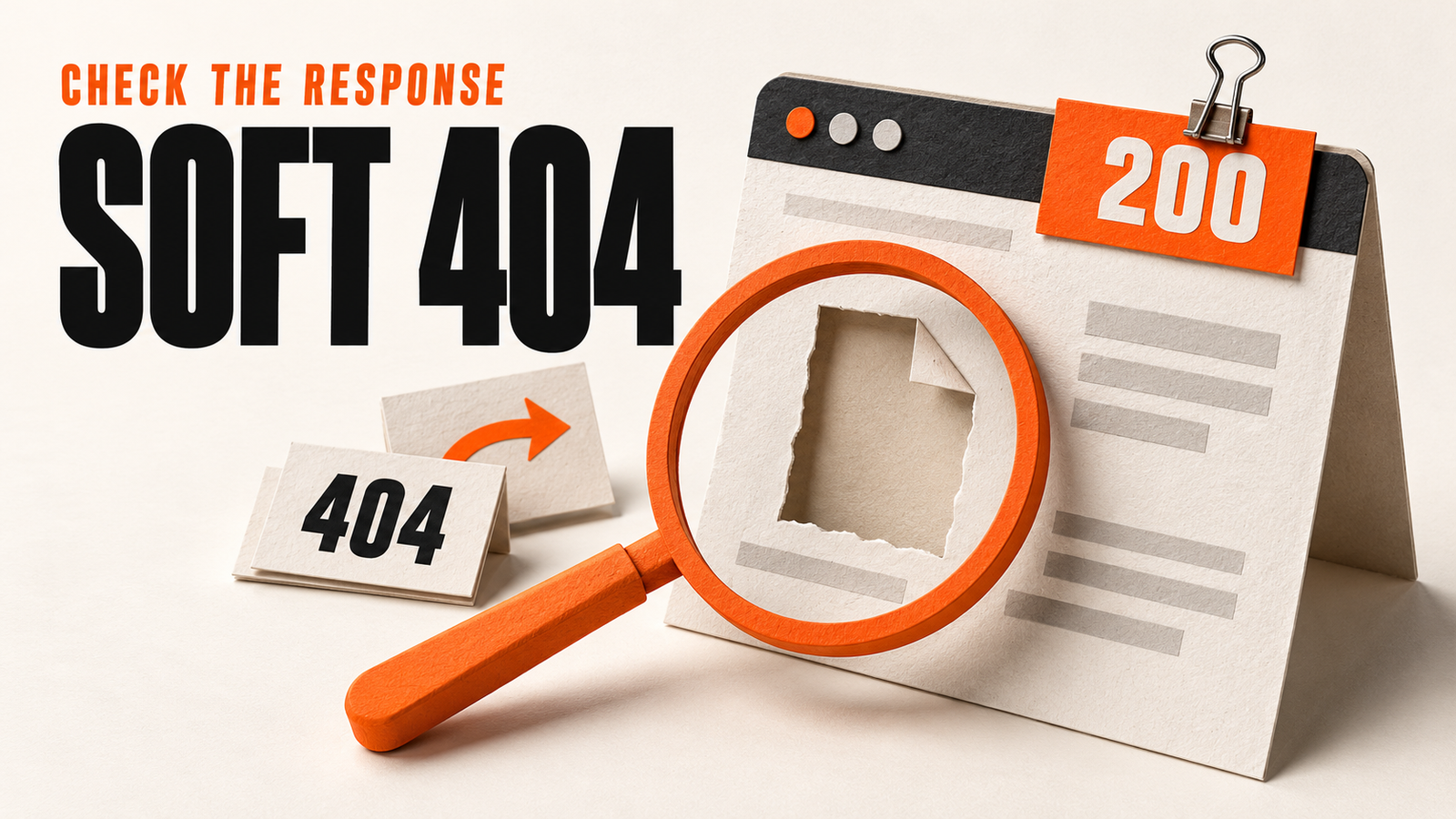
A soft 404 means Google interprets a URL as an error or empty page even though the server did not return a proper not-found response. Check the exact URL, response status, and rendered main content. Return 404 or 410 for a removed page without a replacement, redirect a moved page to its relevant replacement, or repair a live page's missing content. Then verify the deployed response and Google's next recorded crawl.
A soft 404 means Google thinks a URL represents an error or an empty page, even though the server did not return a proper not-found response. A common example is a page that says “Page not found” while returning HTTP 200.
First check what the URL is supposed to do. A deleted article, a moved product, and a working page with a failed API need different fixes. Changing all three to a redirect can hide the original problem.
This guide walks through that decision with controlled HTTP examples. These are test fixtures we created to check response behavior. They are not examples of URLs Google has classified in Search Console.
Soft 404 vs. 404: what is the difference?
An HTTP status code comes from your server. A soft 404 is Google's interpretation of the page it receives. You cannot configure a literal “soft 404” response code.
| Result | What the server sends | What to check |
|---|---|---|
| Genuine 404 | HTTP 404 and a not-found page | Is the resource gone without a replacement? |
| Soft 404 candidate | Often HTTP 200 with an error message or empty main content | Does the response match the page's intended purpose? |
| Moved page | A redirect to a replacement URL | Does the final page answer the original need? |
| Broken live page | Possibly HTTP 200 with missing content | Did rendering, a data request, or the template fail? |
| Temporary server failure | A 5xx response | Can the server recover and serve the intended content? |
Google's HTTP status documentation explains that a 200 response lets content proceed to processing; it does not guarantee indexing. An error-like response body can still lead to a soft 404 classification.
Do not use a 404 as the default response to a temporary backend outage. That would describe a different problem to visitors and crawlers.
1. Inspect the exact URL and the recorded crawl
Open the Soft 404 issue in Search Console's Page indexing report. Pick a URL that matters to the site, then open URL Inspection.
Record the full URL, including its query string, the reported reason, and the last crawl time. Add the intended page purpose and the deployment time of any recent fix. Keep this in your normal issue tracker; you do not need a separate spreadsheet.
Check the exact path before changing a template. A removed product variant, a misspelled article slug, and a real category can share a layout while needing different responses.
Google recommends inspecting the rendered page when investigating this issue. Its Page indexing report help also explains that a genuine 404 is appropriate when a page no longer exists and has no replacement.
Is Search Console showing an older version?
Compare the recorded last crawl with your deployment time. If Google crawled the page before the fix, the recorded result cannot establish whether the deployed change worked.
Run Test live URL and inspect the tested page's HTML, screenshot, and resource errors when available. Google's URL Inspection documentation distinguishes this current fetch from the previously recorded version. A successful live test confirms access and some eligibility checks; it does not promise that Google will index the page.
Keep both observations: what Google recorded before, and what the current test receives.
2. Check the HTTP response and the main content
Request the URL without a logged-in session. Use a GET request so you inspect the page body as well as its headers. A HEAD-only check cannot tell you whether the response contains the intended article or a missing-page message.
These commands save the initial response and then check the final destination. Replace the example URL with the exact URL you are investigating.
curl -sS -D response-headers.txt -o response-body.html \
  'https://example.com/problem-page'

curl -sS -L -o /dev/null \
  -w 'status=%{http_code} final=%{url_effective}\n' \
  'https://example.com/problem-page'
Read the initial status and any Location header. Open the saved body and check for the expected heading and main content. The second command follows redirects, so its final status alone does not describe the original URL.
Then open the page in a browser and compare it with the delivered HTML. Check whether you can read the main answer, product details, or category information without logging in or clicking to load the whole page.
If the content appears only after JavaScript runs, inspect failed scripts, API requests, and access restrictions. A successful request to the HTML document can sit beside a failed request for the content itself. Our JavaScript SEO audit checklist covers the wider rendering checks.
3. Choose the fix from the page's purpose
Use this decision table before making a bulk change.
| Intended page state | Fix to investigate | Verify after deployment |
|---|---|---|
| Removed with no relevant replacement | Serve 404 or 410 with a useful error page | The GET response has the intended error status |
| Moved to a relevant replacement | Set a permanent redirect such as 301 | The destination serves the replacement content successfully |
| Should remain live | Restore the missing main content or repair rendering | The anonymous response and rendered page contain the expected content |
| Product is temporarily out of stock | Review whether its useful product page should stay available | Availability, product details, and customer options remain accurate |
| Category or filter has no results | Review its purpose, useful content, and whether it belongs in search | The page serves its intended role and its indexing policy matches that role |
A deleted page needs an honest missing-page response
Keep the useful navigation on your error page. The problem is serving that error page as a successful document.
Check the CMS, application router, and CDN fallback. A catch-all route can accidentally send the same 200 response for both real articles and invented paths. Test a known valid URL and a deliberately nonexistent sibling after the fix.
Remove retired URLs from the sitemap and repair internal links that still promise the old content. Keep those changes tied to the URL's actual lifecycle.
A moved page needs a relevant destination
Map the old URL to the actual replacement. An updated guide on the same subject is a different destination from a generic homepage.
Avoid sending a whole list of unrelated missing URLs to the homepage. Visitors still fail to find the promised resource, and the redirect does not repair that mismatch. If there is no suitable replacement, use the removed-page branch.
A live page needs its content repaired
Reproduce the failure before adding copy. Check whether the content exists in the CMS, whether the public API returns it, and whether the template displays it for anonymous visitors. Compare a working sibling that uses the same template.
For JavaScript applications, Google's JavaScript troubleshooting guide describes soft 404 handling, including returning a genuine 404 for missing routes. It also discusses noindex as a fallback when an application cannot return the appropriate status. Adding noindex to a useful live page would prevent the indexing you are trying to restore.
For a page you want in search, fix the missing content and make the page's purpose clear. There is no universal word-count threshold that guarantees Google will stop treating it as a soft 404.
Four controlled checks: the same page message can mean different things
We tested these response patterns in a local HTTP fixture on 2 November 2026. We checked the initial GET status and body, then followed the redirect separately.
| Test route | Observed initial response | Body or destination | Interpretation |
|---|---|---|---|
| /missing-but-200 | 200 | Page not found | Response and content disagree; a soft 404 candidate |
| /missing-correctly | 404 | Page not found | The status matches a missing resource |
| /old-guide | 301 | Location: /guide | Follow the redirect and inspect the replacement |
| /guide | 200 | A visible guide heading and main content | The tested response contains the intended document |
Following /old-guide reached /guide with HTTP 200 and the expected guide content. These checks establish the fixture's HTTP behavior. They do not establish how Google would index it.
Use the same paired checks on your deployment: a valid page, an invalid path, and any redirect you changed. Keep a copy of the response and the time you checked it. That gives the developer a reproducible result instead of only a screenshot of a reporting label.
4. Verify the fix and then ask Google to revisit it
Check the deployed URL before requesting another crawl. Confirm the status, redirect target if applicable, and visible main content. Recheck the sitemap and affected internal links.
| Intended outcome | Evidence you can check now | Evidence to review later |
|---|---|---|
| Keep a useful page live | Correct response, accessible content, no unintended indexing block | Google's next recorded crawl and indexing decision |
| Retire a page | Correct 404 or 410; removed from active discovery paths | Google processes the missing-page response |
| Move a page | Relevant redirect and working destination | Google processes the redirect and destination |
For a small number of repaired live URLs, use Request indexing in URL Inspection when available. For a group of corrected URLs, use the report's validation flow where offered. Google's recrawl guidance says crawling can take days to weeks, and repeated requests do not make the same URL crawl faster.
A removed page remaining outside the index can be the correct outcome. Judge success against the page's intended state rather than trying to make every report row disappear.
If the next recorded result changes to “Crawled, currently not indexed,” follow our separate indexing investigation. If Google is still discovering retired URLs through your own pages, use the internal linking audit to find and fix those paths.
Keep the fix specific: the exact URL, the response it should return, the content someone should receive, and the check that confirms it.
Common questions
What is a soft 404 error in Google Search Console?
A soft 404 means Google interprets a page as missing or empty even though it did not receive the appropriate not-found response. A common example is HTTP 200 with a “Page not found” message. It is a classification, not a separate HTTP status code.
Should I change every soft 404 URL to a 404?
Choose the response from the page's intended state. A deleted page without a replacement can return 404 or 410. A moved page can redirect to its relevant replacement. A useful live page needs its missing content or rendering repaired.
Can JavaScript cause a soft 404?
Yes. A page can return a successful HTML response while its content fails to load. Check the rendered main content, failed API calls, script errors, and missing-route handling. A working browser session alone does not establish what an anonymous crawler receives.
Should I redirect soft 404 pages to the homepage?
Use a redirect when the destination replaces the original resource. A homepage usually does not answer the same need as a deleted guide or product. Check each URL's purpose before choosing its destination.
Does adding more text fix a soft 404?
Only when the actual problem is missing useful content and the added information restores the page's purpose. Extra words cannot repair an incorrect status, failed content request, or irrelevant redirect. There is no guaranteed minimum word count.
How long does it take Google to recognize a soft 404 fix?
Google needs to revisit and process the changed URL. Recrawling can take days to weeks, and an indexing request does not guarantee inclusion. Compare the next recorded crawl with your deployment time and check whether the result matches the page's intended state.
Keep the diagnosis moving
Run your own public presence audit
See how your website, search footprint, AI visibility, social proof, and conversion trust look from the outside.