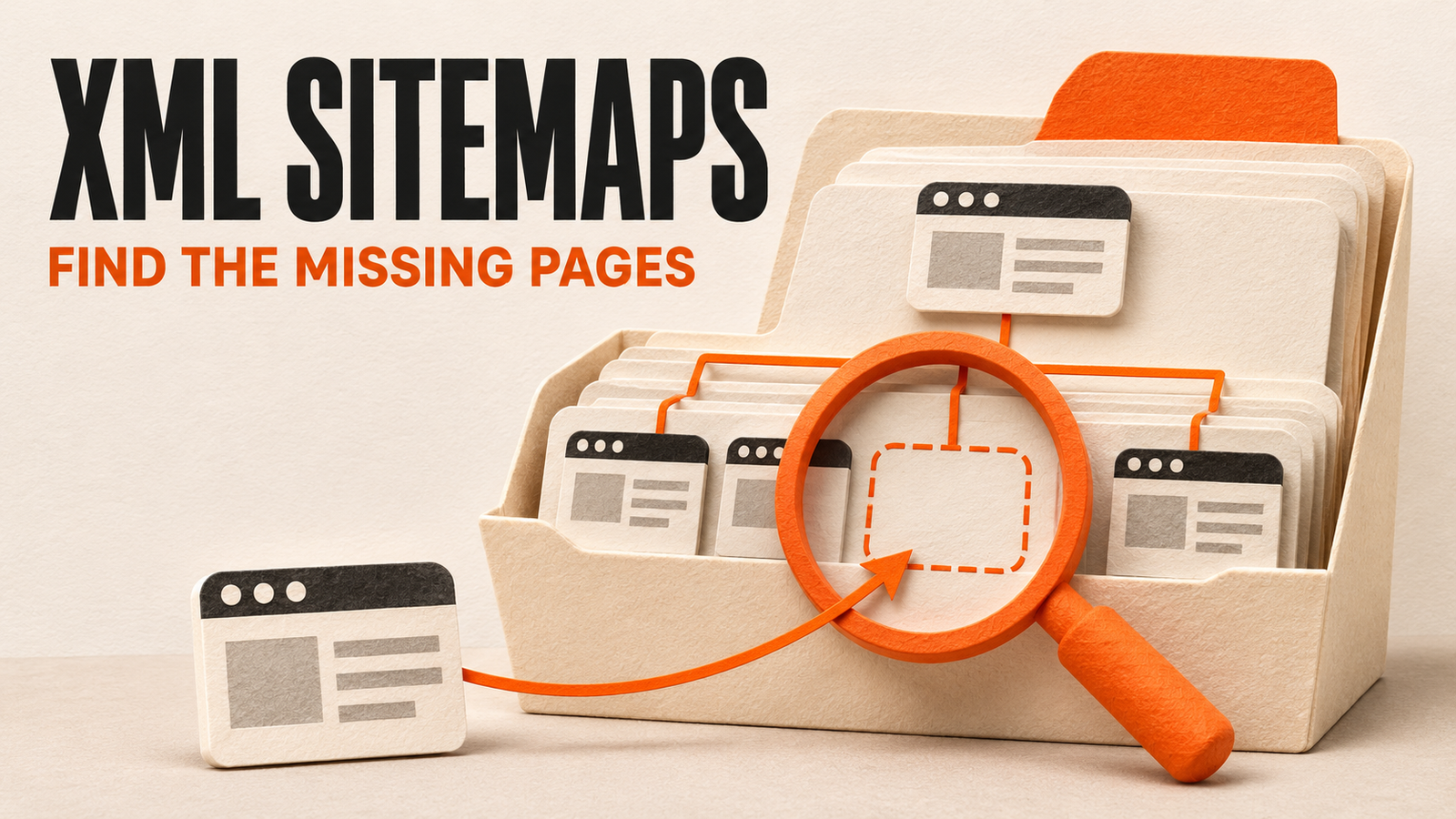
An XML sitemap lists the canonical URLs you want search engines to discover. A page sitemap uses urlset, url, and loc elements; a sitemap index lists child sitemap files. Include useful public URLs intended for search, then compare the file with your eligible CMS inventory to find omissions. Check the response, XML syntax, listed destinations, and Search Console processing separately. Submission does not guarantee crawling or indexing.
Our sitemap opened without an error. Four published articles were missing from it.
On 4 November 2026, we compared SavageAudit's published blog inventory with the live sitemap. The CMS contained 104 published articles. We found 100 of those article URLs in the file.
The missing articles still opened, returned HTTP 200, and declared their own URLs as canonical. We had a coverage gap in the sitemap, even though the file itself was available.
That is why an XML sitemap check needs more than a quick look at whether sitemap.xml loads. First decide which pages belong. Then compare that list with what the file contains.
What is an XML sitemap?
An XML sitemap is a machine-readable file that lists URLs and can provide information such as their last significant update. Search engines use it to discover content you consider important. Google's sitemap introduction explains its role in crawling and discovery.
It is useful to distinguish three things people call a sitemap:
| Type | What it contains | Main purpose |
|---|---|---|
| XML page sitemap | Page URLs and supported metadata | Expose URLs to search engines |
| XML sitemap index | URLs of child sitemap files | Organize multiple sitemaps |
| HTML sitemap | A navigable page of links | Help visitors browse the site |
A navigation diagram used during a redesign is another planning tool. It does not become an XML sitemap because it shows the same pages.
A simple XML sitemap example
This example lists a pricing page and an article. Replace the example host, paths, and update date with accurate values for your site.
<?xml version="1.0" encoding="UTF-8"?>
<urlset xmlns="http://www.sitemaps.org/schemas/sitemap/0.9">
  <url>
    <loc>https://example.com/pricing</loc>
    <lastmod>2026-11-04</lastmod>
  </url>
  <url>
    <loc>https://example.com/blog/launch-checklist</loc>
  </url>
</urlset>
The Sitemaps protocol defines the XML structure. The urlset element wraps the file, each url represents an entry, and loc gives its full URL. The namespace identifies the protocol. Optional fields do not replace those required parts.
Use absolute URLs with the intended protocol and host. Follow the site's actual trailing-slash policy. Escape XML characters in values, including an ampersand as & when a listed URL contains one.
Should every URL have lastmod, priority, and changefreq?
No. Keep optional metadata accurate rather than filling every available field.
Google ignores priority and changefreq. It can use a consistently accurate lastmod value that reflects a significant page update. Do not set every page's lastmod to today just because a scheduled job regenerated the file.
If the CMS cannot provide a trustworthy update date, omit that optional field until you can supply one.
Which pages should you include or exclude?
Build the intended inventory before checking the XML. Your CMS may contain drafts, private pages, alternate versions, and retired content alongside useful public pages.
| URL state | Usual sitemap decision | Check before applying it |
|---|---|---|
| Public canonical page intended for search | Include | Correct destination, indexability, and page purpose |
| Redirect to a replacement | List the intended final URL | The destination actually replaces the old resource |
| Deleted page returning 404 or 410 | Remove the retired URL | The deletion is intentional |
| Page intentionally marked noindex | Exclude | The indexing instruction matches the business decision |
| Duplicate or parameter variant | Usually list the preferred canonical version | Whether the parameter changes useful content or page identity |
| Draft, account, cart, or private page | Exclude | Its access and search visibility requirements |
Treat this as a review of page purpose. Do not remove every URL with a query string or every product that is temporarily unavailable.
Check canonical choices as part of that review. Google's canonicalization guidance describes sitemap inclusion as one signal about the version you prefer. Google can still select a different canonical.
For deleted pages and missing-page responses, our Soft 404 guide covers the response decision in more detail.
XML sitemap index example
An index points to child sitemap files. It does not list the articles inside those files.
<?xml version="1.0" encoding="UTF-8"?>
<sitemapindex xmlns="http://www.sitemaps.org/schemas/sitemap/0.9">
  <sitemap>
    <loc>https://example.com/sitemap-pages.xml</loc>
  </sitemap>
  <sitemap>
    <loc>https://example.com/sitemap-blog.xml</loc>
  </sitemap>
</sitemapindex>
Google's large-sitemap guidance explains splitting files and using an index. A single sitemap is limited to 50,000 URLs or 50 MB uncompressed. Split it when either limit requires it.
You can also organize separate files by content type when that helps maintenance and reporting. Check their contents rather than assuming a file called sitemap-blog.xml contains every published article.
When auditing an index, fetch the child files and collect their page URLs. Comparing the CMS only with the two loc values in the index would compare articles with sitemap filenames.
How to check for missing pages
Use a comparison you can repeat after the next publication or deployment.
- Build the expected URL list. Start with published CMS content and the product or other public pages intended for search. Apply the inclusion rules deliberately.
- Fetch the live sitemap. Check the exact response and parse the XML. If it is an index, inspect its child sitemaps.
- Compare the sets. Find expected URLs missing from the sitemap, plus sitemap entries that do not belong in the expected inventory.
- Inspect the differences. Check the page response, canonical, indexing instructions, and publishing state before calling an omission a bug.
- Recheck after deployment. Compare the public file with a fresh CMS inventory, including the oldest eligible pages and the newest one.
Normalize URLs according to the site's actual behavior. Decide how to handle fragments, host variants, and trailing slashes. Preserve meaningful parameters until you have reviewed them.
Keep article URLs separate from archive pagination. A blog with 104 articles might also have several listing pages. Counting all paths beginning with /blog/ can hide a shortfall in article coverage.
The same principle applies to marketplaces: compare eligible product or listing pages with their intended inventory. A total that mixes articles, categories, and individual listings is difficult to interpret.
Our check: 104 published articles, 100 matches
Here is the result we recorded before publishing this guide:
| Check on 4 November 2026 | Result |
|---|---|
| Published blog articles in the CMS | 104 |
| Published article URLs matched in the live sitemap | 100 |
| Published articles absent from the live sitemap | 4 |
| Missing articles returning 200 with index, follow and self-referencing canonicals | 4 |
The four missing articles were our LLMs.txt comparison, startup launch checklist, SaaS demo-page checklist, and competitor redesign comparison. They were older posts, which gave us a useful clue.
We checked the query feeding the sitemap. It selected the newest 100 published article slugs. Once the inventory grew beyond 100, older articles fell outside that result.
We removed the query's 100-item slice. The corrected query returned all 104 articles in the inventory at that check. We also evaluated it against a fixture with 105 eligible articles, an intentionally noindex page, and a future-dated post. It returned all 105 eligible articles while excluding the other two.
Those checks establish the query behavior. We also check the public file after the website rebuild, because a correct CMS query and the response currently being served are separate things.
The inventory will change when this article is published. Use a fresh count for the next check rather than expecting these historical totals to stay the same.
We did not use this comparison to infer that the four articles were absent from Google's index or that restoring their sitemap entries would increase rankings. We identified a specific mismatch between the intended inventory and the file.
How to submit a sitemap to Google Search Console
Publish the file at a stable public URL. In the correct Search Console property, open Sitemaps, enter its location, and submit it. Check the processing status and any reported errors.
Google's Sitemaps report documentation explains that submission tells Google where to find the file. You host it on your own site; you do not upload its XML contents into Search Console.
You can also reference the file in robots.txt:
Sitemap: https://example.com/sitemap.xmlUse the full URL for your actual site. Check that the public robots.txt response contains the intended reference, and that the referenced sitemap opens without authentication.
After submission, review the last-read information and processing result. Then investigate individual page indexing separately. A Success status means Google read the file without parsing errors; it does not certify that your CMS inventory is complete or that every listed page is indexed.
For a page that Google has crawled but left outside the index, follow our crawled, currently not indexed investigation. For missing navigation paths, use the internal linking audit.
What a useful sitemap check should leave you with
Record the exact file, the expected inventory, the missing URLs, and the reason each difference matters. Keep the time of the check so another person can compare it with a deployment or publication.
A useful issue might say: “The sitemap query returns 100 articles, but the eligible published inventory contains 104. Remove the query cap, rebuild, and confirm that every eligible article URL appears in the live file.”
That gives the developer a cause and a way to verify the fix. Repeating the comparison after the next publication helps catch the same class of problem before it affects more pages.
Common questions
Does every website need an XML sitemap?
Not every site depends on one for discovery. Google can follow links, and a small site with clear paths to all important pages may need less help. A sitemap can still provide a useful inventory signal, especially as content grows. Keep internal navigation working as well.
What is the difference between a sitemap and a sitemap index?
A page sitemap lists page URLs. A sitemap index lists child sitemap files. To review page coverage from an index, collect the URLs from its child files before comparing them with the published inventory.
Can a successful sitemap still have missing pages?
Yes. A file can be available and valid while its generating query omits eligible content. Compare its page URLs with your intended CMS inventory. Search Console processing success does not establish that the inventory is complete.
Should noindex pages appear in an XML sitemap?
Exclude pages you intentionally keep out of search. Review the reason for noindex before changing either the sitemap or the directive. A useful page accidentally marked noindex needs its indexing policy corrected, rather than only a sitemap change.
Does adding a URL to a sitemap guarantee indexing?
No. A sitemap helps expose a URL to search engines, but Google makes separate crawling and indexing decisions. Check the page's accessibility, content, canonical signals, and recorded indexing result when investigating an individual URL.
Should lastmod change every time the sitemap is generated?
No. Use a trustworthy date for the page's last significant update. Regenerating the sitemap file is not itself a meaningful update to every listed page. Omit lastmod if you cannot provide it accurately.
Keep the diagnosis moving
Run your own public presence audit
See how your website, search footprint, AI visibility, social proof, and conversion trust look from the outside.